ברכיות טקטיות לצבא – איך לבחור ואיך להרכיב נכון
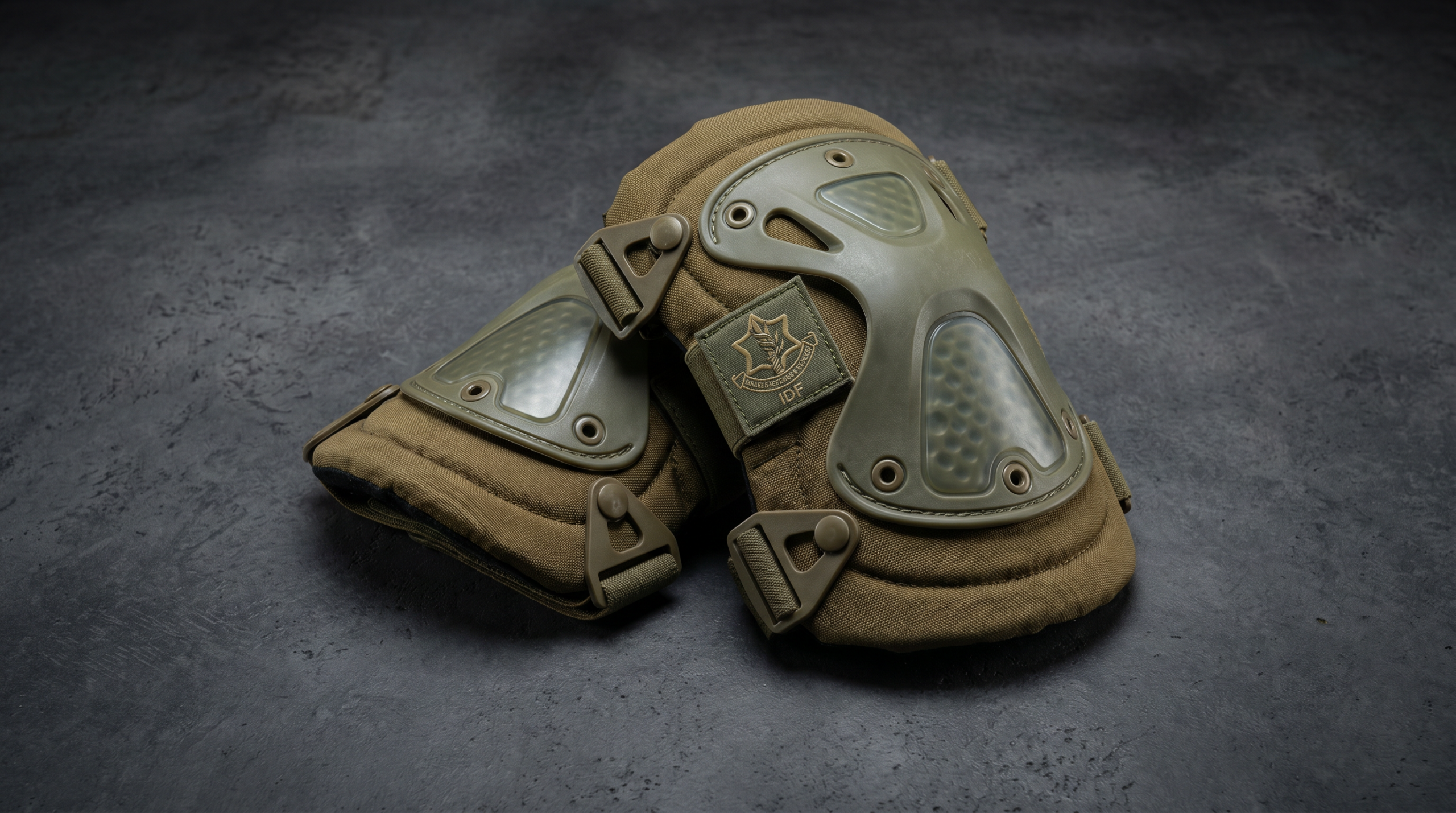
למה ברכיות לצבא הן לא אביזר מיותר ברכיות נחשבות לחלק מהציוד הטקטי שאנשים "שוכחים" עד שהם מצטערים. הברכיים הן המפרק הפגיע ביותר בפעילות צבאית וביטחונית - ירידות, כריעות, סריקת שטח…
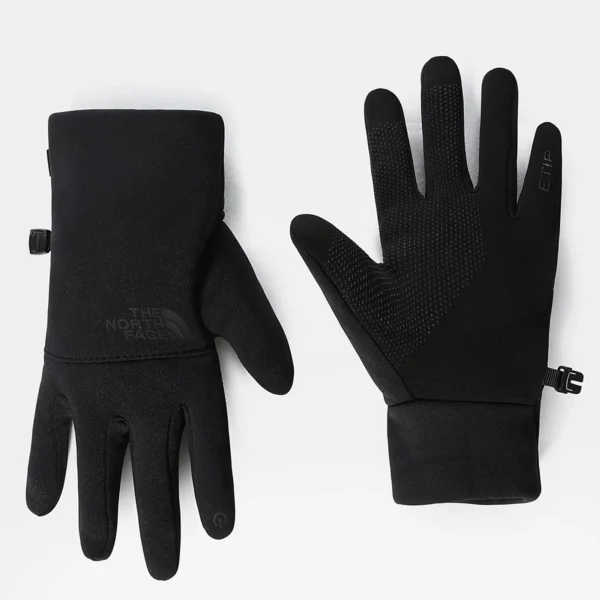
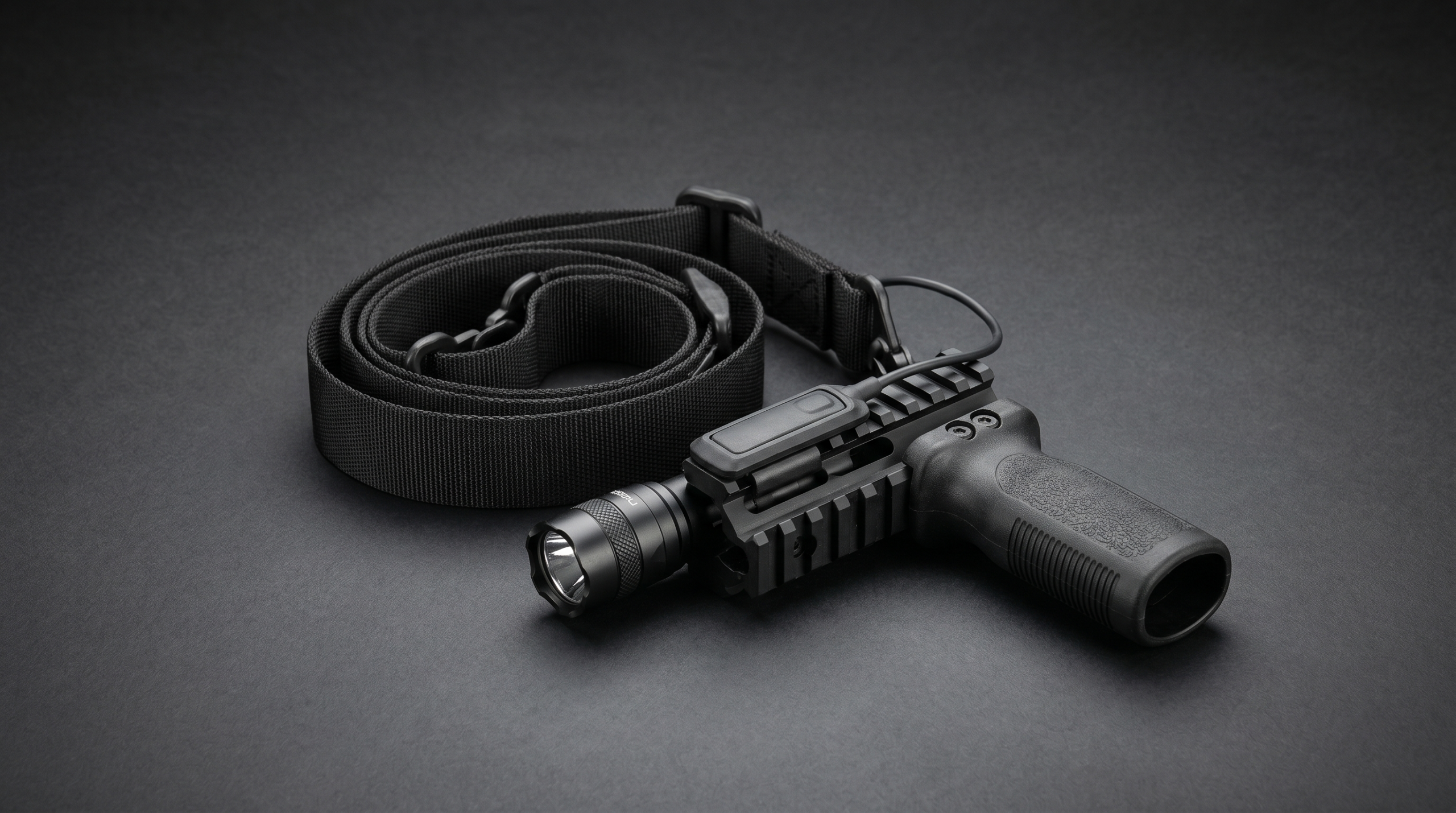
מה נחשב "שיפצור" לנשק ארוך ומה מותר שיפצורים לנשק ארוך הם כינוי מקומי לאביזרים ותוספות שמורכבות על נשק ארוך (תבור, M16, M4 ודומים) ומשפרים שליטה, ביצועים, או נוחות. הדגמים הנפוצים…
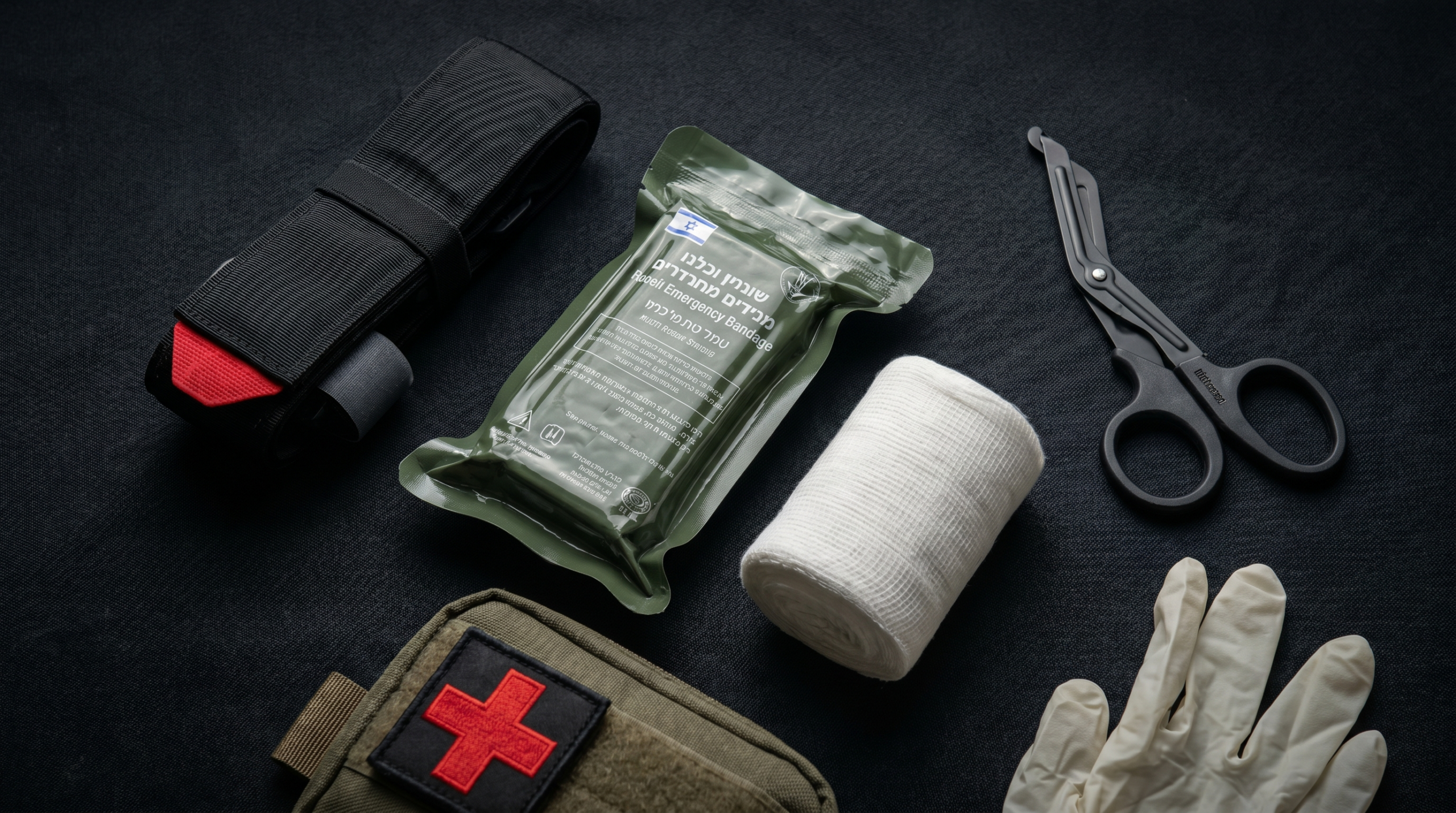
מה זו ערכת עזרה ראשונה טקטית ולמה היא שונה מערכה רגילה ערכת עזרה ראשונה טקטית - IFAK (Individual First Aid Kit) - היא ערכה מינימלית שמיועדת לטיפול ראשוני בפציעות קרב.…
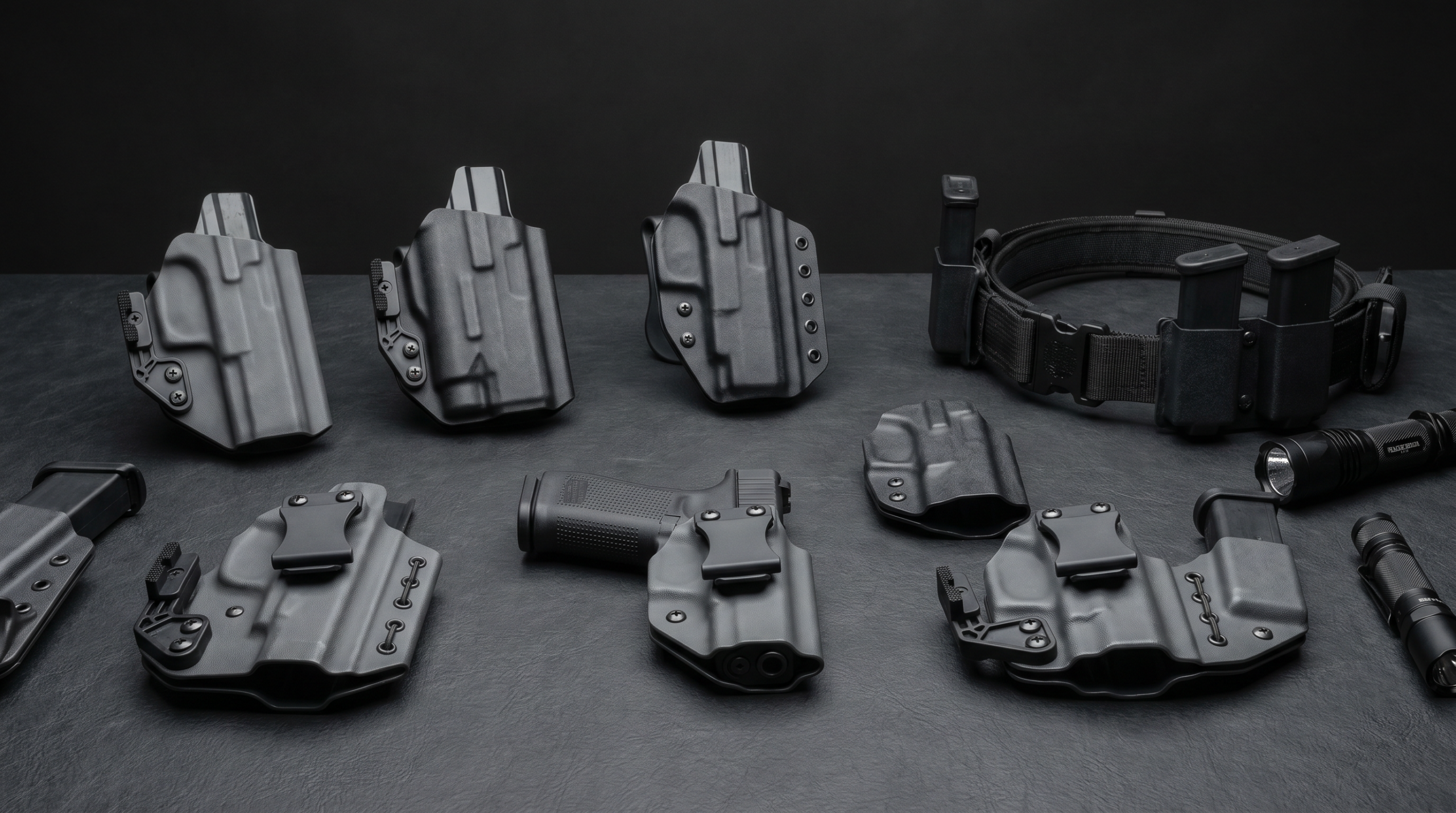
סוגי נרתיקים לאקדח - מה כל אחד מספק בחירת נרתיק לאקדח היא אחת ההחלטות שמשפיעות על נוחות, בטיחות, ומהירות השליפה. מי שנושא ציוד אבטחה לשמירה, סיור, או שירות קרבי, צריך…
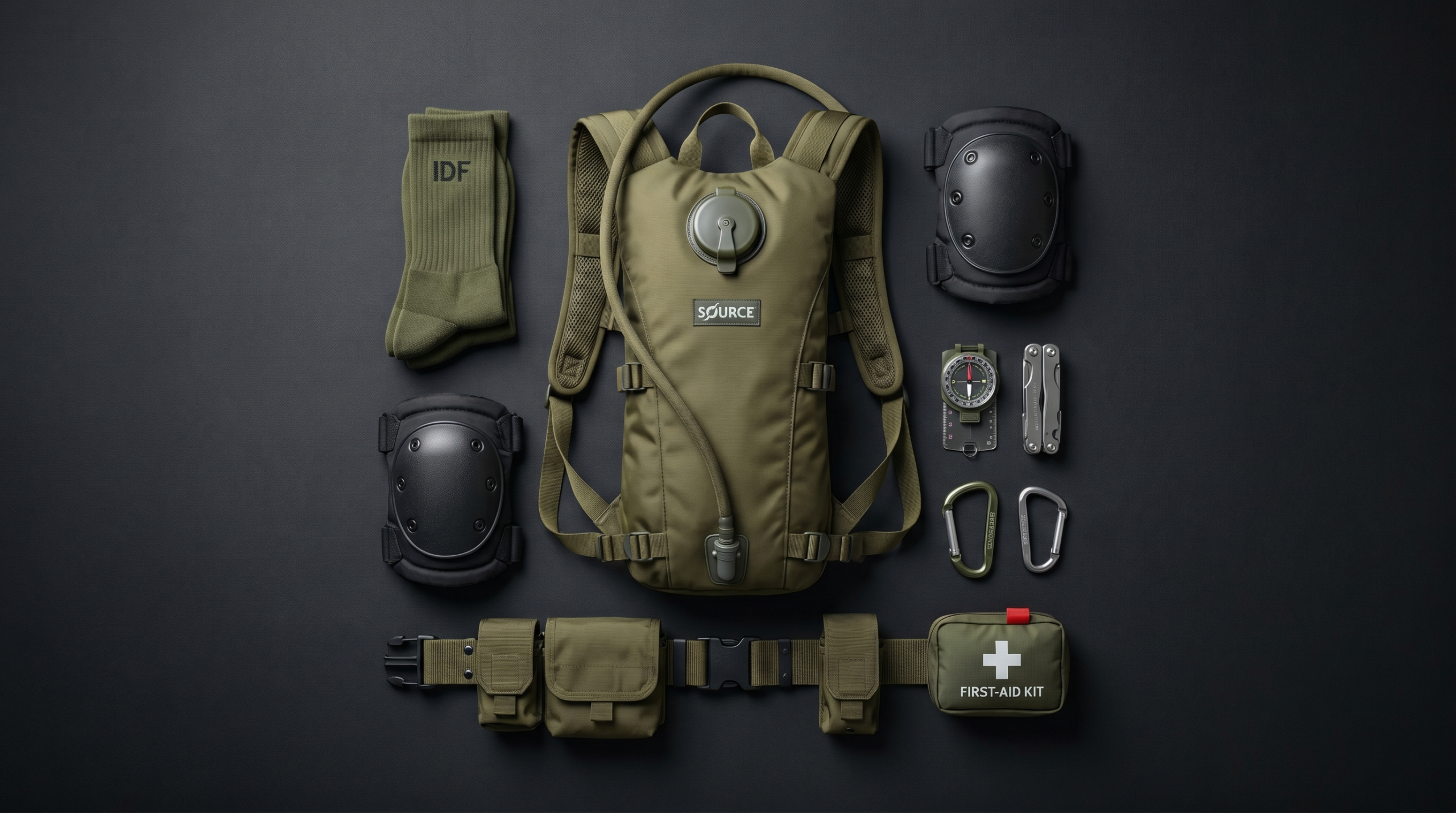
מה לקנות לפני הגיוס - תלוי ביחידה אחת השאלות הנפוצות שמגיעות לחנות לפני גיוס: "מה לקנות?". התשובה הקצרה: תלוי ביחידה. מה שמתאים לחייל בחיל הרגלים שונה ממה שצריך חייל בחיל…
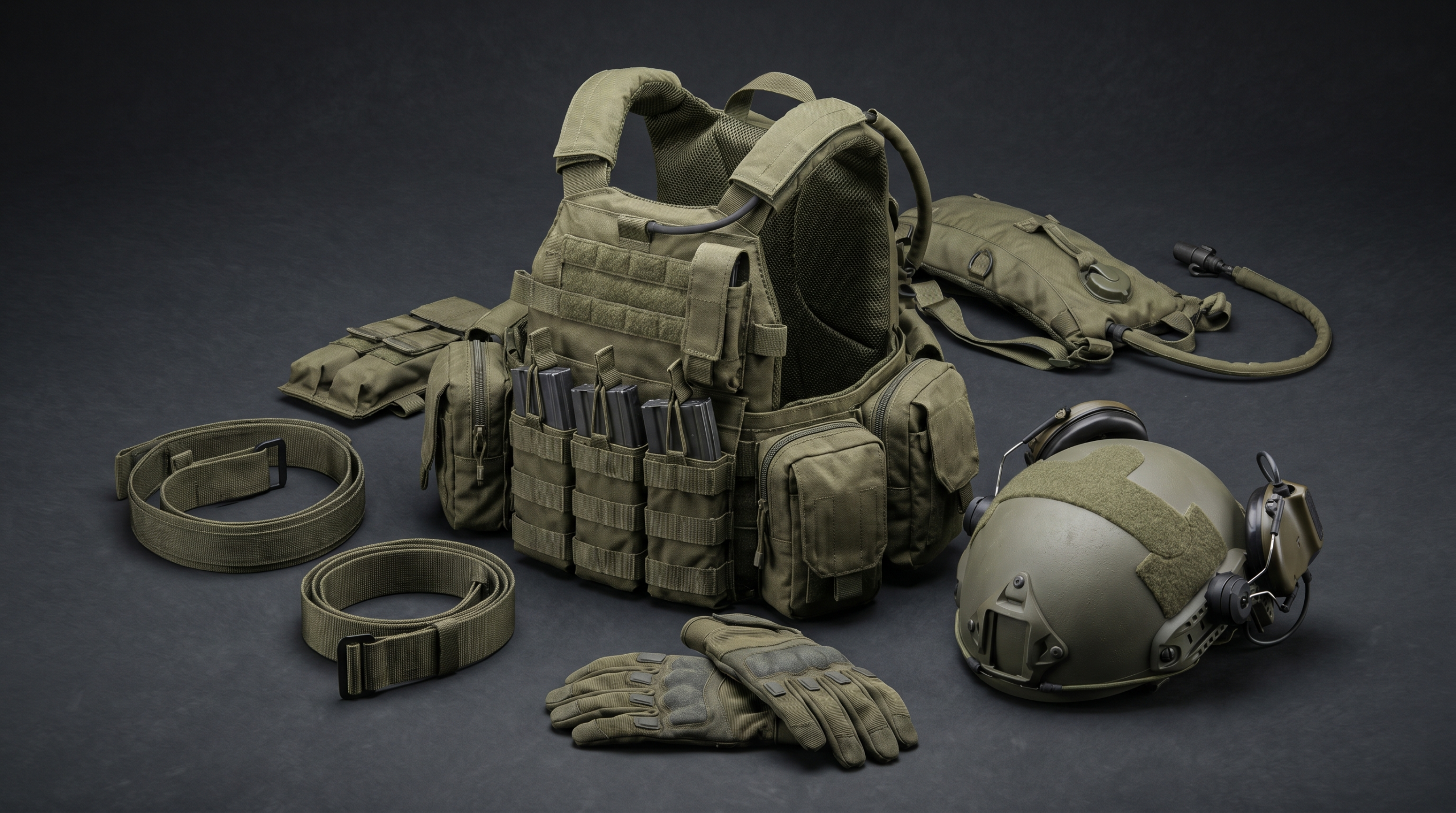
מי היא מרעום דולפין ולמה היא חשובה בשוק הישראלי מרעום דולפין היא חברת ציוד ביטחוני ישראלית שמספקת לצה"ל, למשטרה ולגורמי ביטחון פרטיים. הקטלוג שלה כולל ווסטים טקטיים, חגורות קרב, קסדות,…
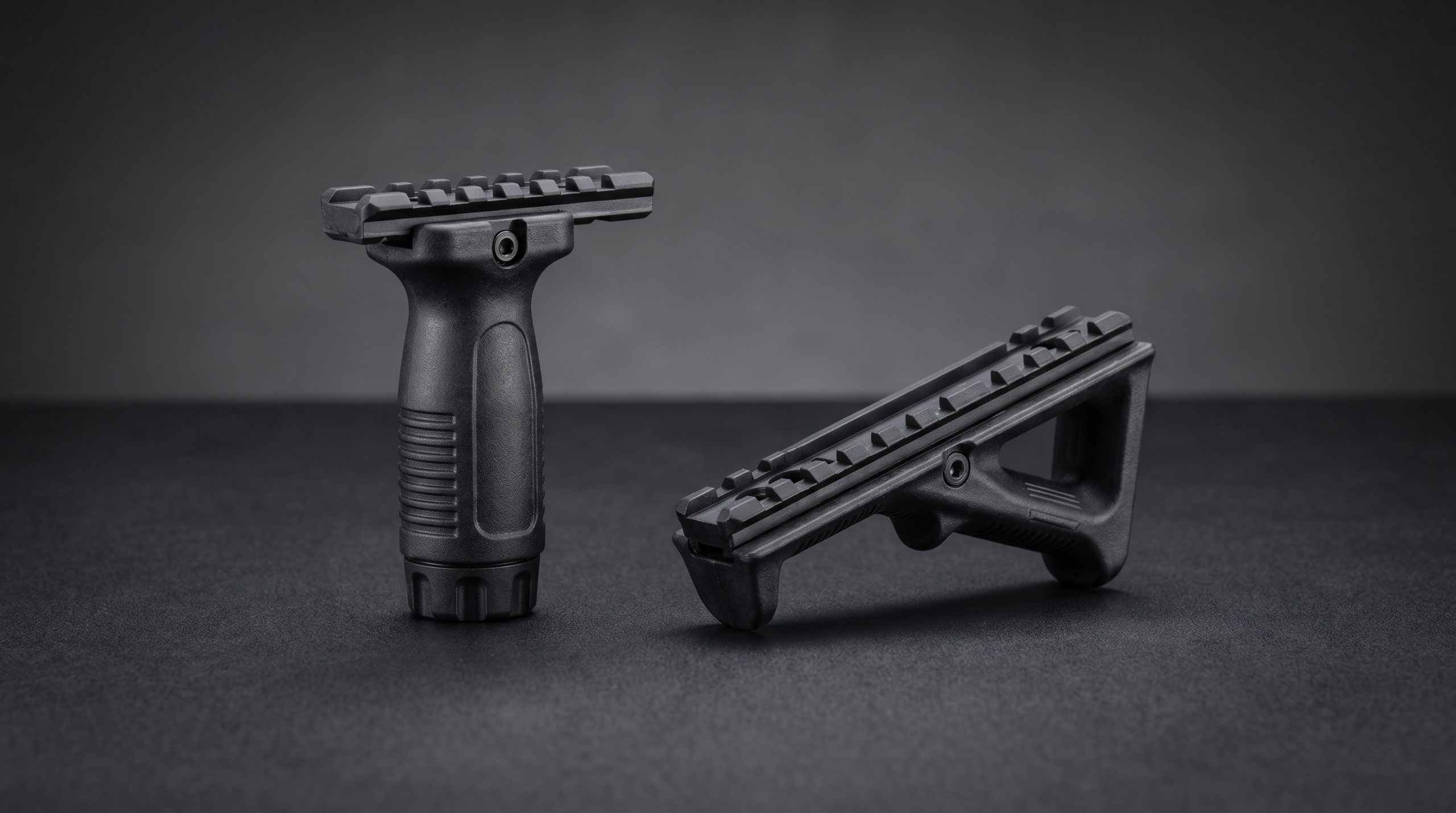
ידית הסתערות לנשק ארוך - מה היא בכלל עושה ידית הסתערות (Foregrip) היא תוסף שמורכב על מסילת הנשק - בדרך כלל פיקטיני או מלוק - ומאפשר אחיזה קדמית נוחה יותר.…
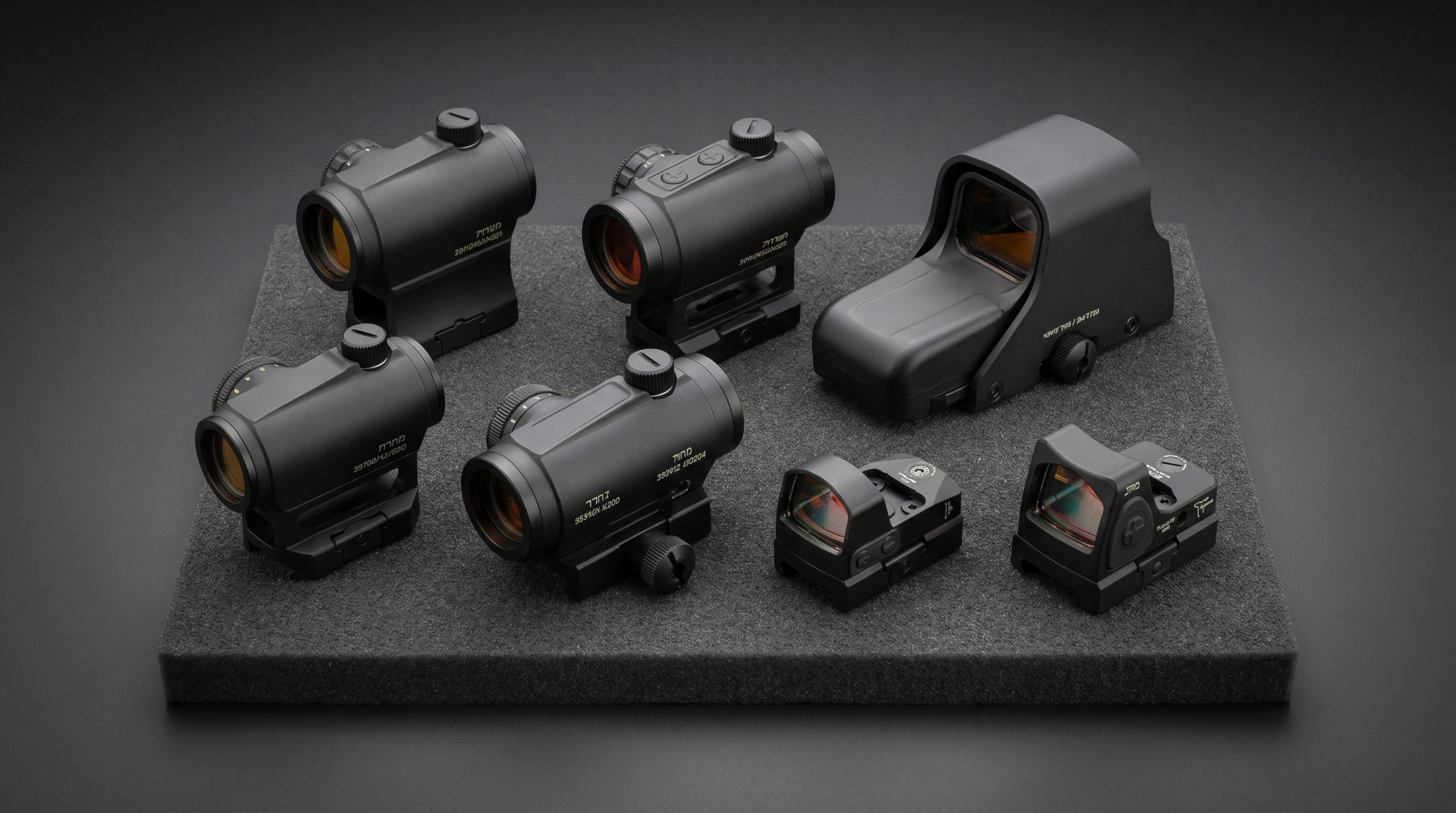
מה זו כוונת השלכה ומה ההבדל בין הדגמים כוונת השלכה (Red Dot Sight, או RDS) מציגה נקודה אדומה - או ירוקה - על עדשה. אין מגדלת, אין חיתוך טלסקופי. היתרון:…
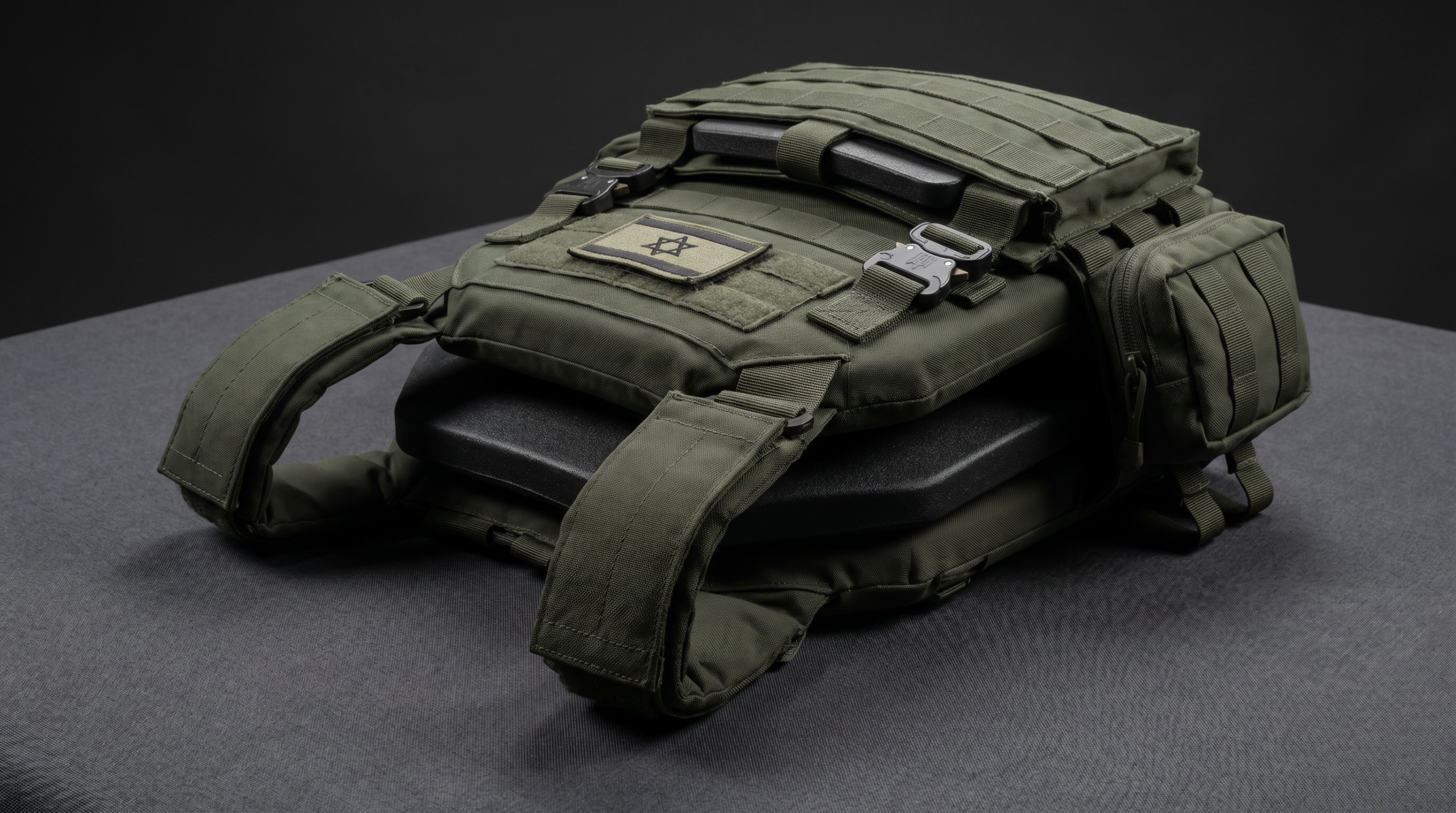
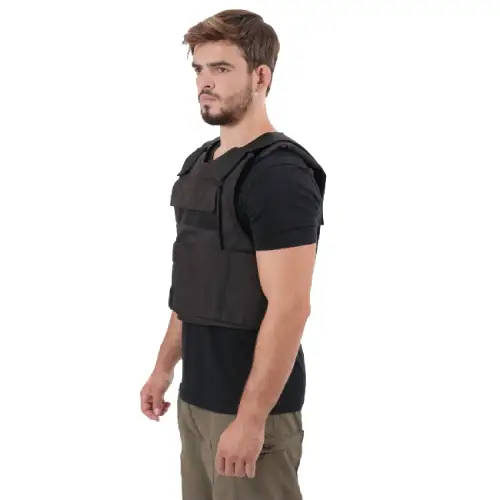
מה ההבדל בין אפוד מגן לפלטה קרמית אם אתה מאבטח שמתלבט האם לעבוד עם אפוד מגן מתחת לחולצה, חייל שבוחן ווסט טקטי עם פלטות, או קצין רכש שמסכם ציוד טקטי…
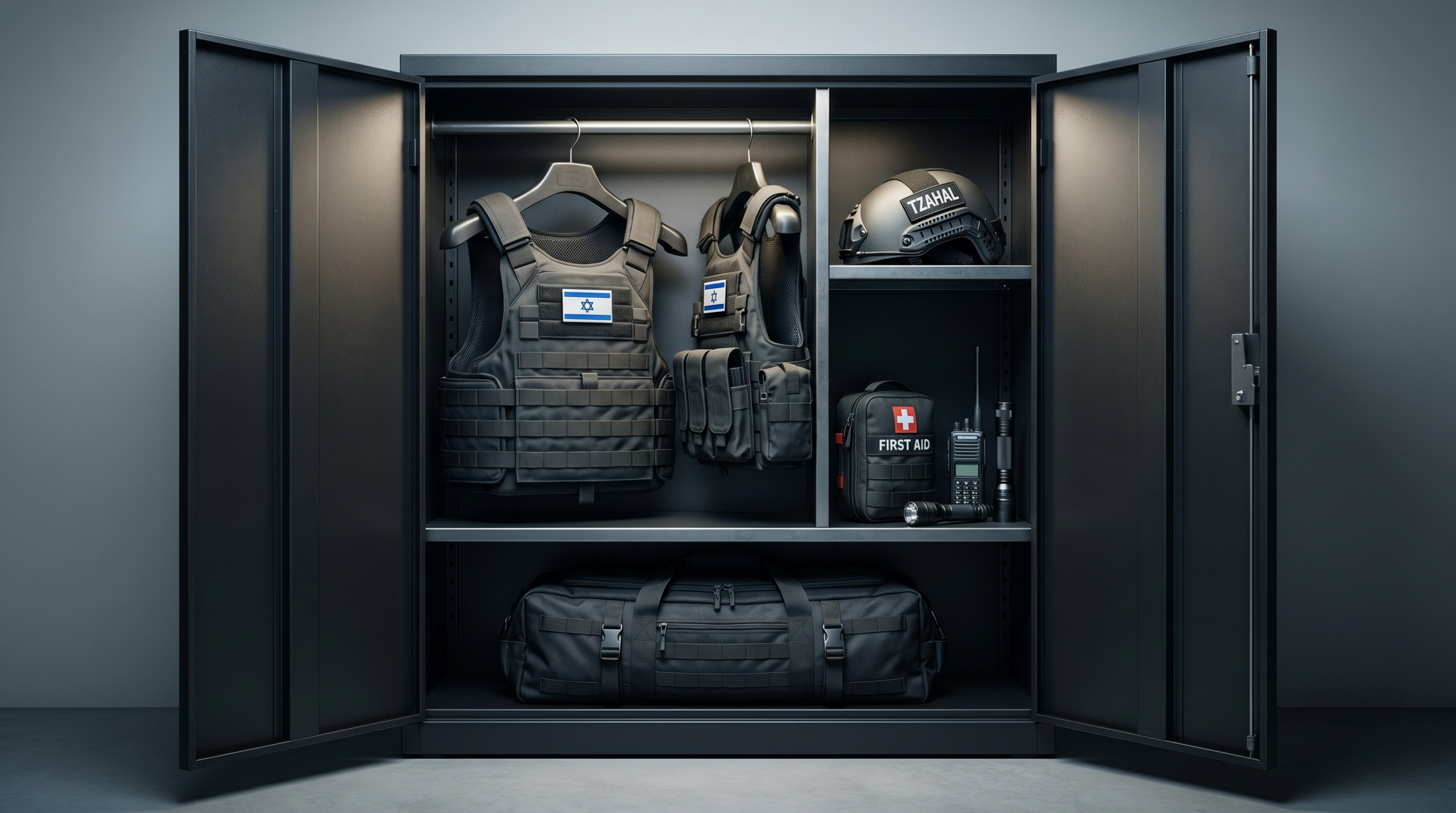
כיתת הכוננות היא שכבת ההגנה הראשונה של כל יישוב ושכונה. חברי הכיתה - אזרחים עם הכשרה ביטחונית - מגיבים לאיומים בזמן שכוחות הסדר עדיין בדרך. הפרק הזה בין האיום לבין…
We firmly believe that the internet should be available and accessible to anyone, and are committed to providing a website that is accessible to the widest possible audience, regardless of circumstance and ability.
To fulfill this, we aim to adhere as strictly as possible to the World Wide Web Consortium’s (W3C) Web Content Accessibility Guidelines 2.1 (WCAG 2.1) at the AA level. These guidelines explain how to make web content accessible to people with a wide array of disabilities. Complying with those guidelines helps us ensure that the website is accessible to all people: blind people, people with motor impairments, visual impairment, cognitive disabilities, and more.
This website utilizes various technologies that are meant to make it as accessible as possible at all times. We utilize an accessibility interface that allows persons with specific disabilities to adjust the website’s UI (user interface) and design it to their personal needs.
Additionally, the website utilizes an AI-based application that runs in the background and optimizes its accessibility level constantly. This application remediates the website’s HTML, adapts Its functionality and behavior for screen-readers used by the blind users, and for keyboard functions used by individuals with motor impairments.
If you’ve found a malfunction or have ideas for improvement, we’ll be happy to hear from you. You can reach out to the website’s operators by using the following email
Our website implements the ARIA attributes (Accessible Rich Internet Applications) technique, alongside various different behavioral changes, to ensure blind users visiting with screen-readers are able to read, comprehend, and enjoy the website’s functions. As soon as a user with a screen-reader enters your site, they immediately receive a prompt to enter the Screen-Reader Profile so they can browse and operate your site effectively. Here’s how our website covers some of the most important screen-reader requirements, alongside console screenshots of code examples:
Screen-reader optimization: we run a background process that learns the website’s components from top to bottom, to ensure ongoing compliance even when updating the website. In this process, we provide screen-readers with meaningful data using the ARIA set of attributes. For example, we provide accurate form labels; descriptions for actionable icons (social media icons, search icons, cart icons, etc.); validation guidance for form inputs; element roles such as buttons, menus, modal dialogues (popups), and others. Additionally, the background process scans all of the website’s images and provides an accurate and meaningful image-object-recognition-based description as an ALT (alternate text) tag for images that are not described. It will also extract texts that are embedded within the image, using an OCR (optical character recognition) technology. To turn on screen-reader adjustments at any time, users need only to press the Alt+1 keyboard combination. Screen-reader users also get automatic announcements to turn the Screen-reader mode on as soon as they enter the website.
These adjustments are compatible with all popular screen readers, including JAWS and NVDA.
Keyboard navigation optimization: The background process also adjusts the website’s HTML, and adds various behaviors using JavaScript code to make the website operable by the keyboard. This includes the ability to navigate the website using the Tab and Shift+Tab keys, operate dropdowns with the arrow keys, close them with Esc, trigger buttons and links using the Enter key, navigate between radio and checkbox elements using the arrow keys, and fill them in with the Spacebar or Enter key.Additionally, keyboard users will find quick-navigation and content-skip menus, available at any time by clicking Alt+1, or as the first elements of the site while navigating with the keyboard. The background process also handles triggered popups by moving the keyboard focus towards them as soon as they appear, and not allow the focus drift outside of it.
Users can also use shortcuts such as “M” (menus), “H” (headings), “F” (forms), “B” (buttons), and “G” (graphics) to jump to specific elements.
We aim to support the widest array of browsers and assistive technologies as possible, so our users can choose the best fitting tools for them, with as few limitations as possible. Therefore, we have worked very hard to be able to support all major systems that comprise over 95% of the user market share including Google Chrome, Mozilla Firefox, Apple Safari, Opera and Microsoft Edge, JAWS and NVDA (screen readers), both for Windows and for MAC users.
Despite our very best efforts to allow anybody to adjust the website to their needs, there may still be pages or sections that are not fully accessible, are in the process of becoming accessible, or are lacking an adequate technological solution to make them accessible. Still, we are continually improving our accessibility, adding, updating and improving its options and features, and developing and adopting new technologies. All this is meant to reach the optimal level of accessibility, following technological advancements. For any assistance, please reach out to
ספק מורשה משהב”ט